Model review
BIM-IFC Workbench: the same review, every time
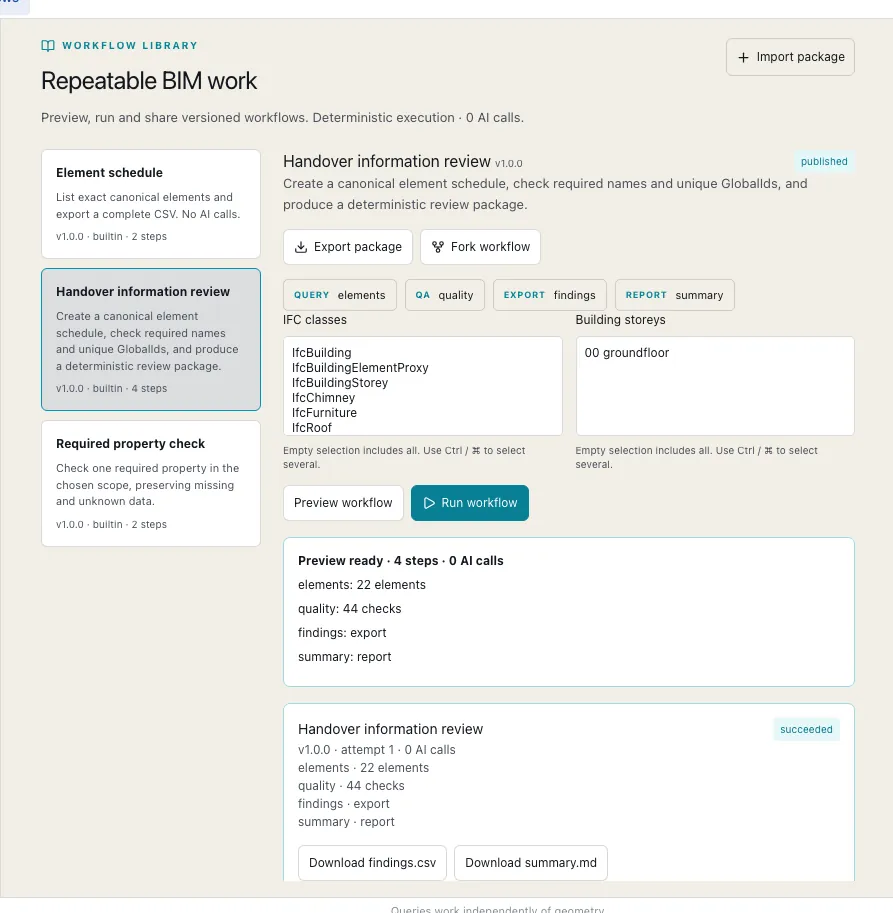
When a design office reviews models every week, the review has to run the same way each time and leave a record. BIM-IFC Workbench turns model checks into fixed, versioned workflows and keeps the evidence.
- 0AI calls inside a workflow run: the checks are fixed steps
- 30 daysthat each query result is kept as evidence, under a fixed identifier
- 2,091automated backend tests passing
The problem
A model review is only useful if you can repeat it and show what it found. Ad hoc queries and spreadsheet exports don't leave a trail, and an AI assistant that answers differently each time is hard to rely on.
What the Workbench does
Queries select elements exactly, by class, storey or property. Quality checks are configurable. Reviews such as a handover information check are saved as versioned workflows that anyone on the team can preview, run, export or adapt.
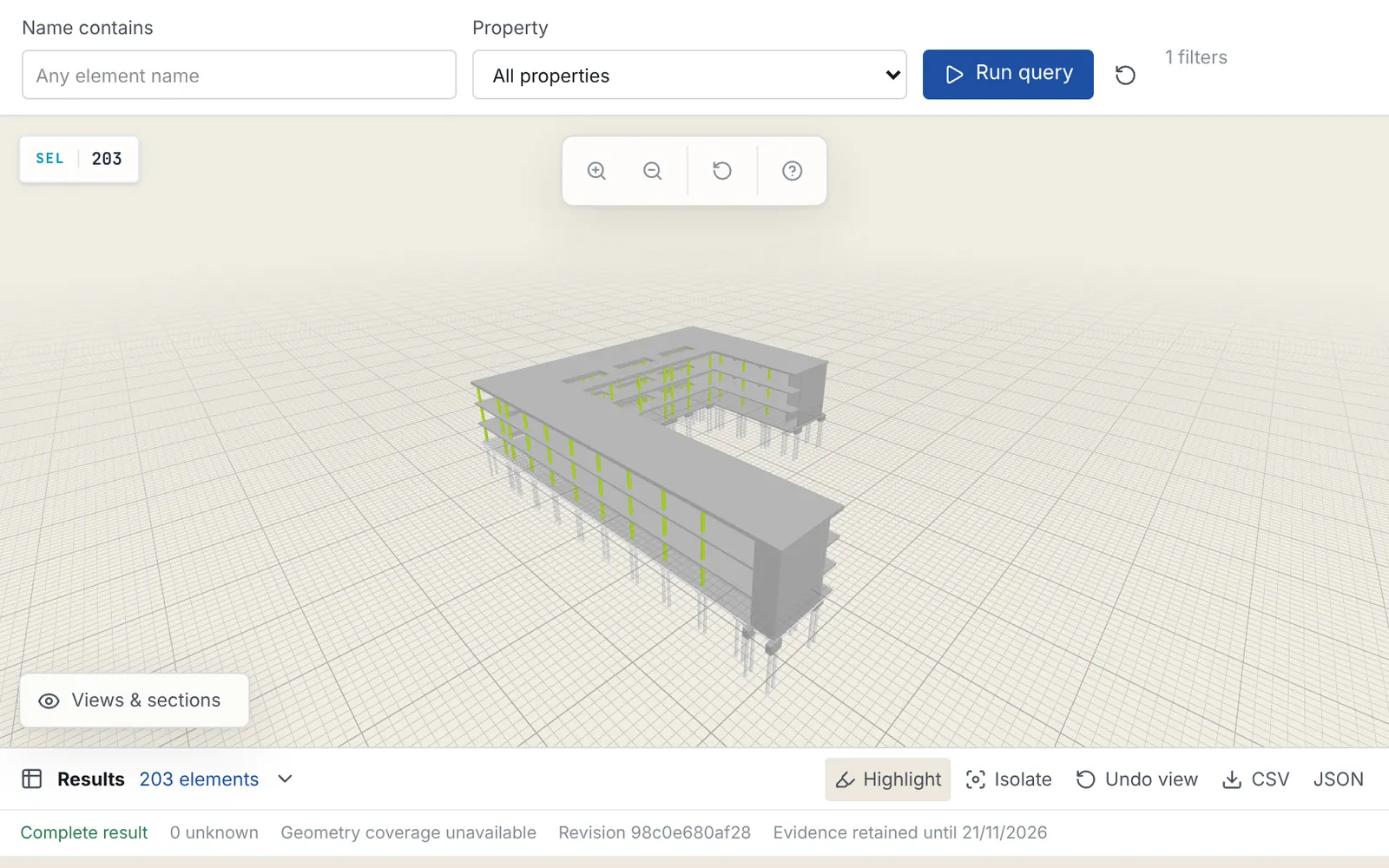
Each result gets a fixed identifier and a retention date, so a finding in a report can be traced back to the exact query that produced it.
Where AI fits
An AI assistant works on top of the same services. It can pick the right review, run it and explain the result, but the checks themselves run as fixed workflows. Questions about safety topics such as fire, escape routes and structure never reuse an earlier answer.
Teams can also connect their own Claude or ChatGPT account through a secure gateway, which lets the assistant call only the tools it has been granted.